Project Management Made for Music Makers.
A central cockpit for your projects — organize songs and versions, share files, track progress, and keep all communication in one place.
Start Free Trial*No credit card needed
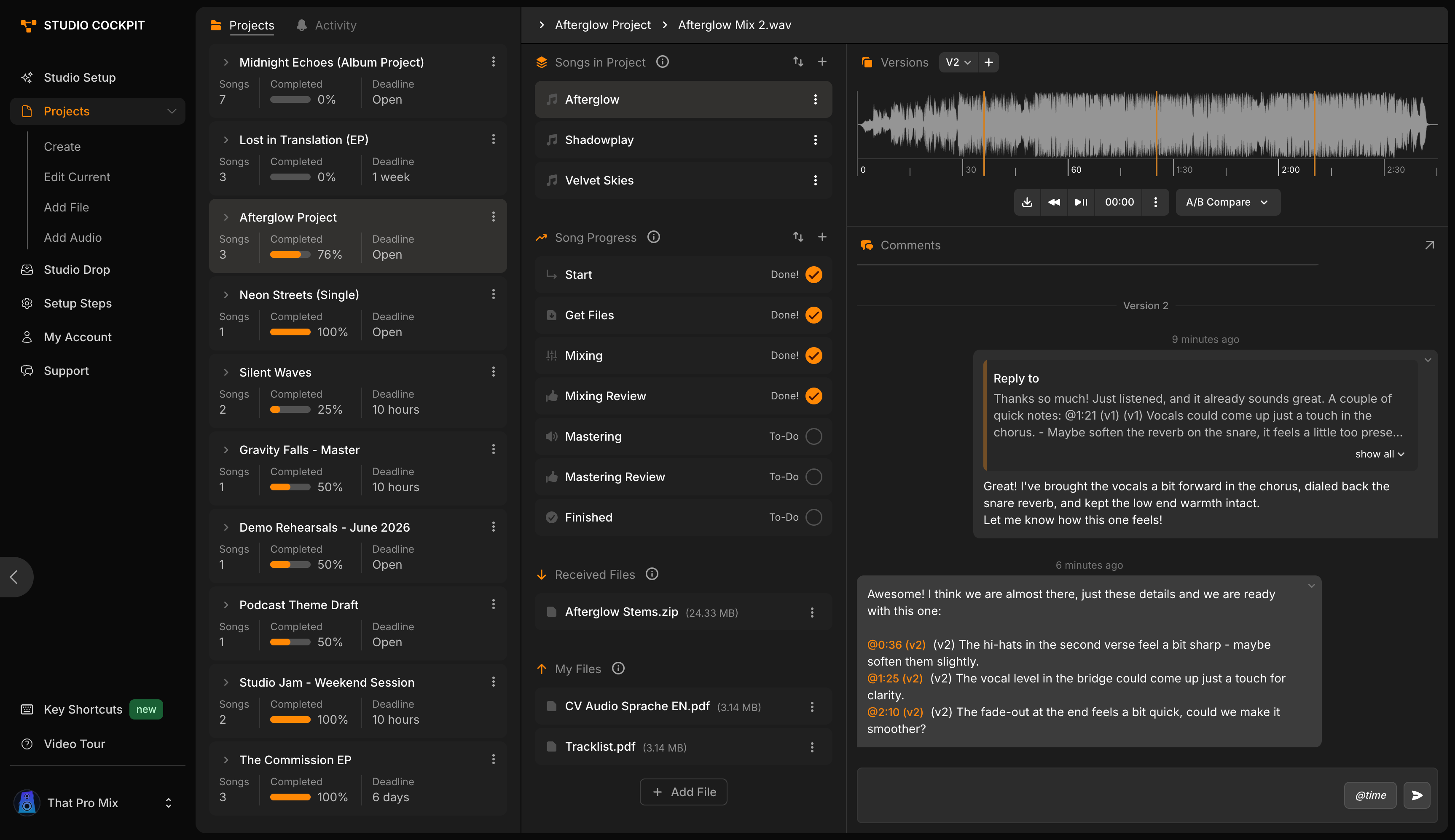
Shared Pages
One workflow between your studio and your collaborators.
Keep everyone in the loop with shared project pages, seamless file exchange, and centralized communication.
- Project Pages
- Centralize communication, files, and feedback in polished project pages. No login required.
- Studio Drop
- Collect audio files, stems, documents, and notes directly through your personal upload link.
- File Delivery
- Deliver mixes, masters, and project files through professional download pages branded with your studio.
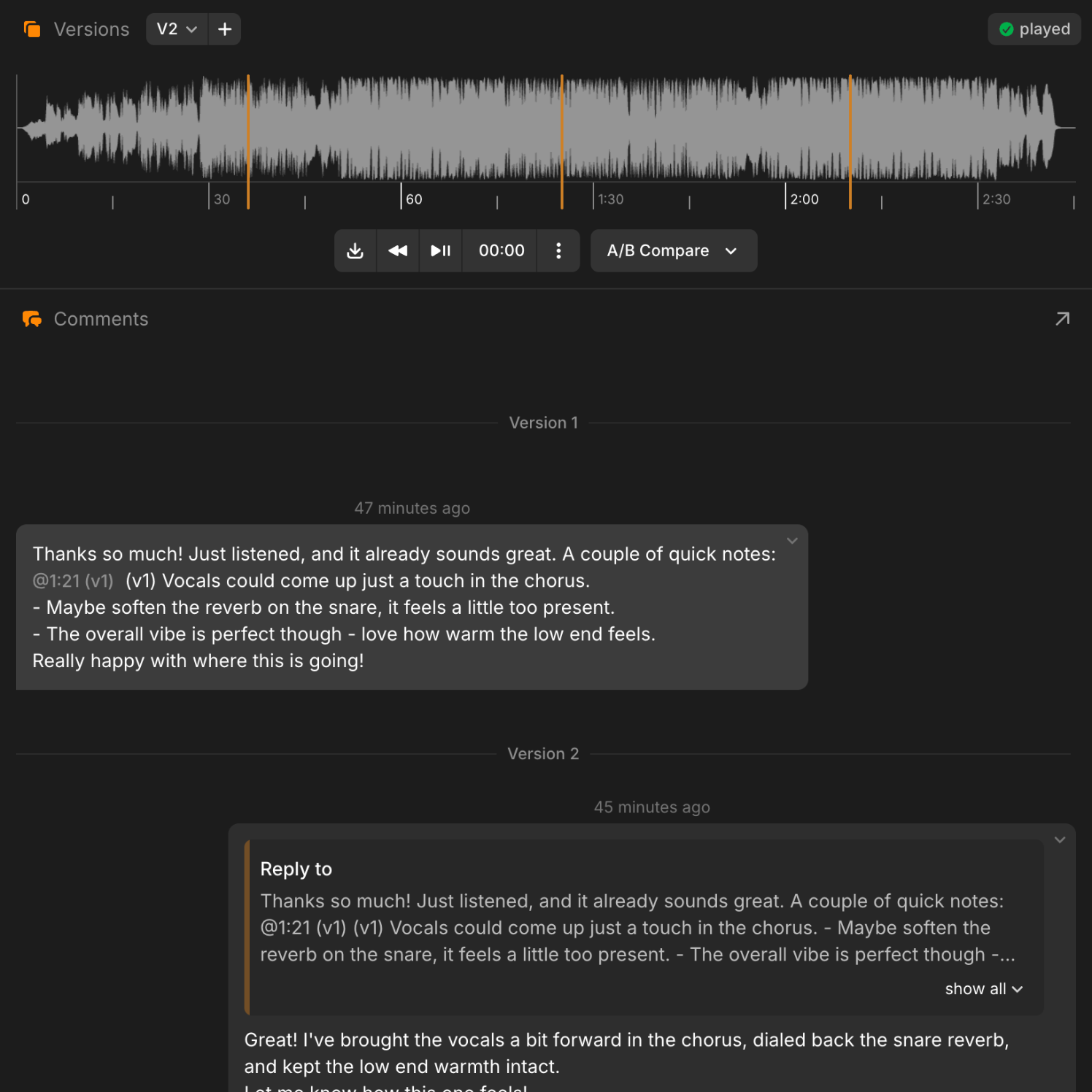
Audio Player
Playback meets feedback.
Upload your tracks, explore versions, and collect precise feedback, all in pristine lossless quality.
- Version control
- Keep your mixes and masters organized, switch instantly between revisions, and never lose track of progress.
- A/B compare
- Switch between versions and hear the differences in context, letting you and your collaborators make the right call together.
- Share on your terms
- Choose if collaborators can download or just listen to your tracks. You set the rules.
- Time-coded comment section
- Every comment is tied to the right version and exact moment in the track, so you’ll always know what needs attention.
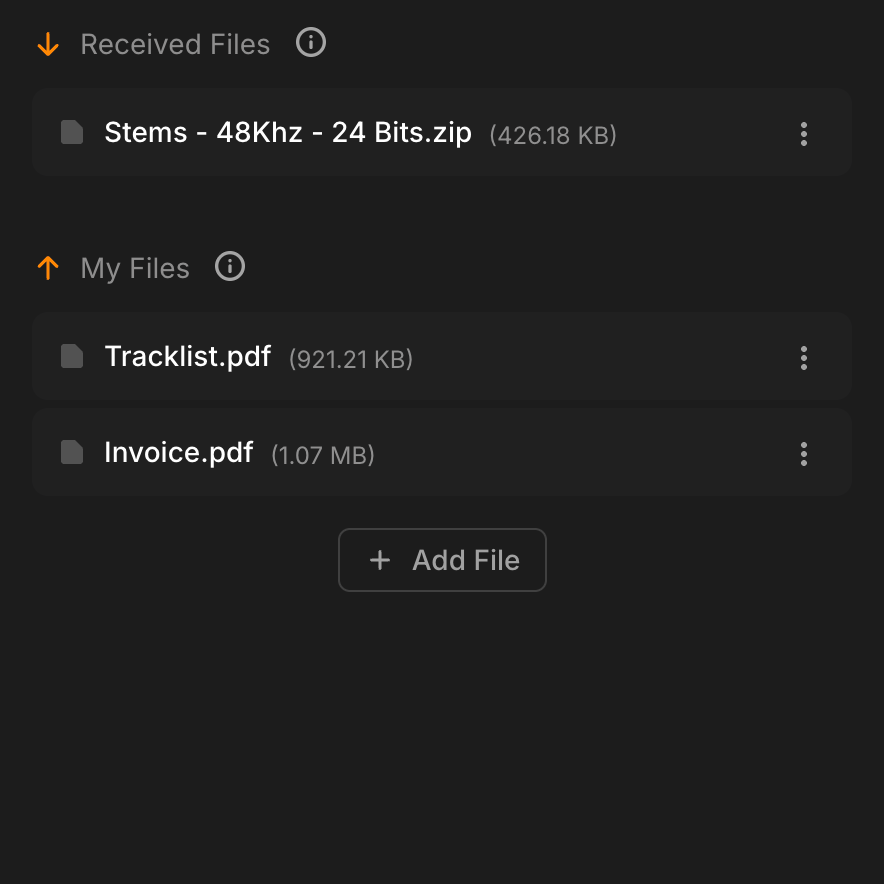
File Management
Every file, exactly where it belongs.
Keep mixes, masters, stems, notes, and client uploads organized inside the right project, with clear visibility over what is private, shared, received, or ready to download.
- Project-based storage
- Keep every file connected to the right project or song, so nothing gets buried in email threads or random (expired) transfer links.
- Private or shared files
- Choose which files stay internal and which ones collaborators can access from their project page.
- Clear file origin
- See whether a file was uploaded by your studio or sent by a collaborator, so every handoff stays traceable.
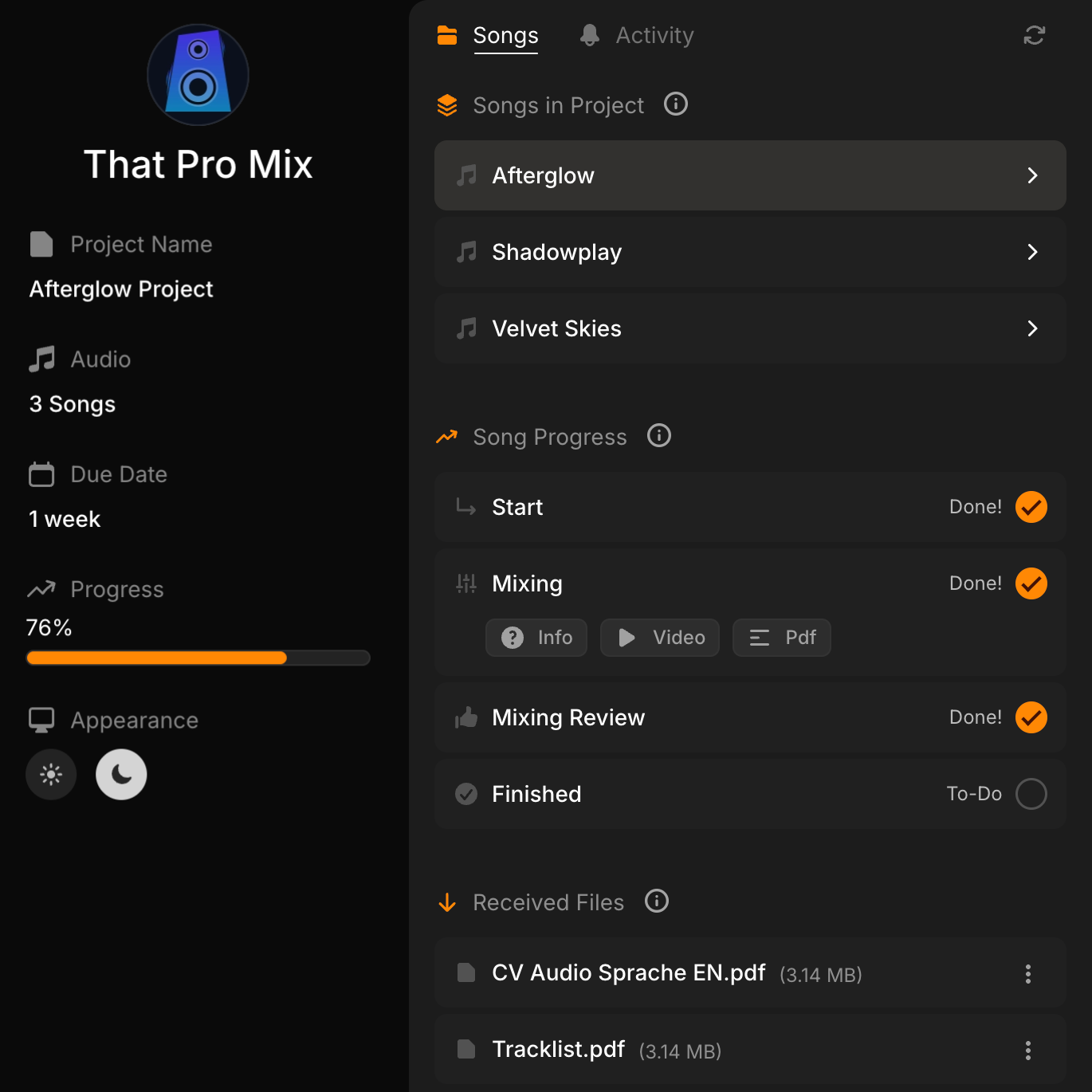
Stay on Track
Every song, every step, crystal clear.
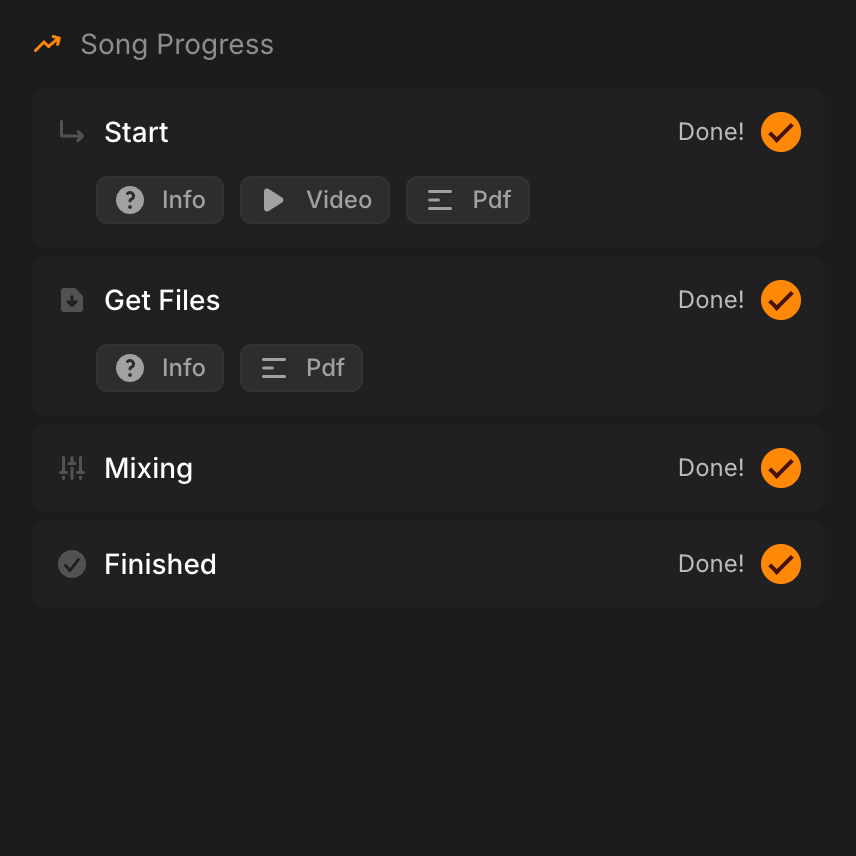
Track and share your progress on every song independently. Use built-in steps or create your own, and attach notes, PDFs, or videos.
- Song-by-song progress
- Each song has its own progress list, so collaborators always know what stage the work is in.
- Flexible step workflows
- Add, remove, rename, or reorder steps on the fly. Use them once for a specific song or save them as reusable presets.
- Rich step notes
- Attach instructions, PDFs, files, or videos to each step so collaborators see the right context at the right time.
Additional Features
Small details, smoother projects.
You have new updates
Just Now
You received a new file
10 Minutes Ago
You have new updates
Yesterday
Email Summary
Stay updated without chasing every change.
Receive clear email summaries for new uploads, comments, playback activity, and project updates, so you always know what needs attention.
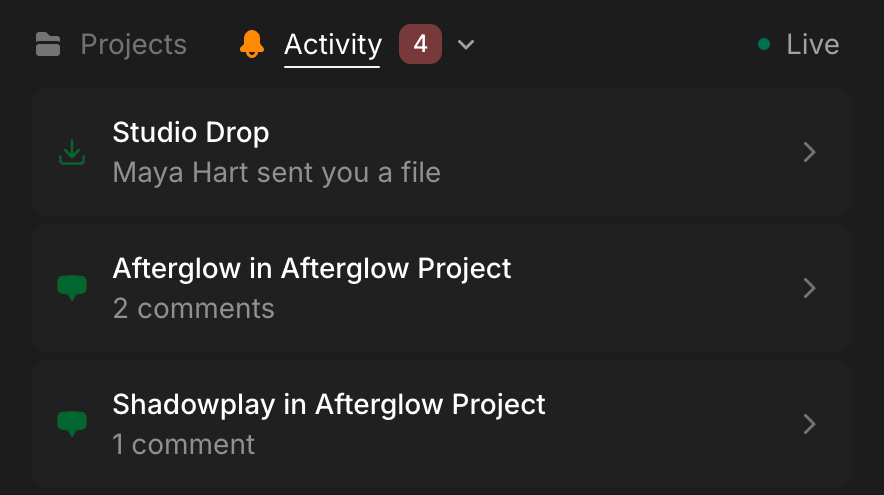
Activity Feed
See the full project story.
Follow uploads, downloads, comments, plays, and status changes in one live feed, with every action tied to the right project.
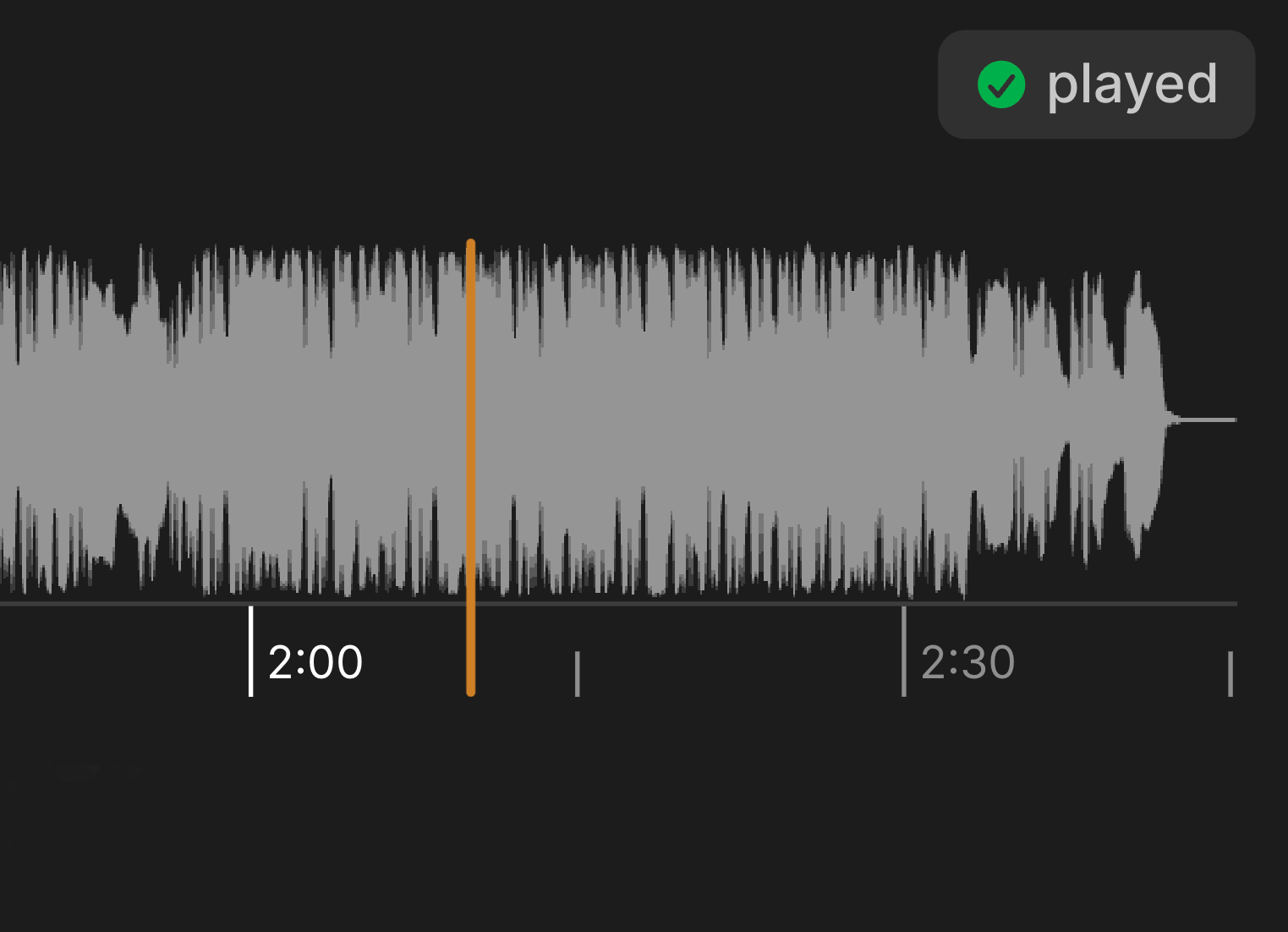
Played Confirmation
Know when your music was heard.
See when collaborators have played a track, giving you clearer context before you follow up, revise, or move forward.
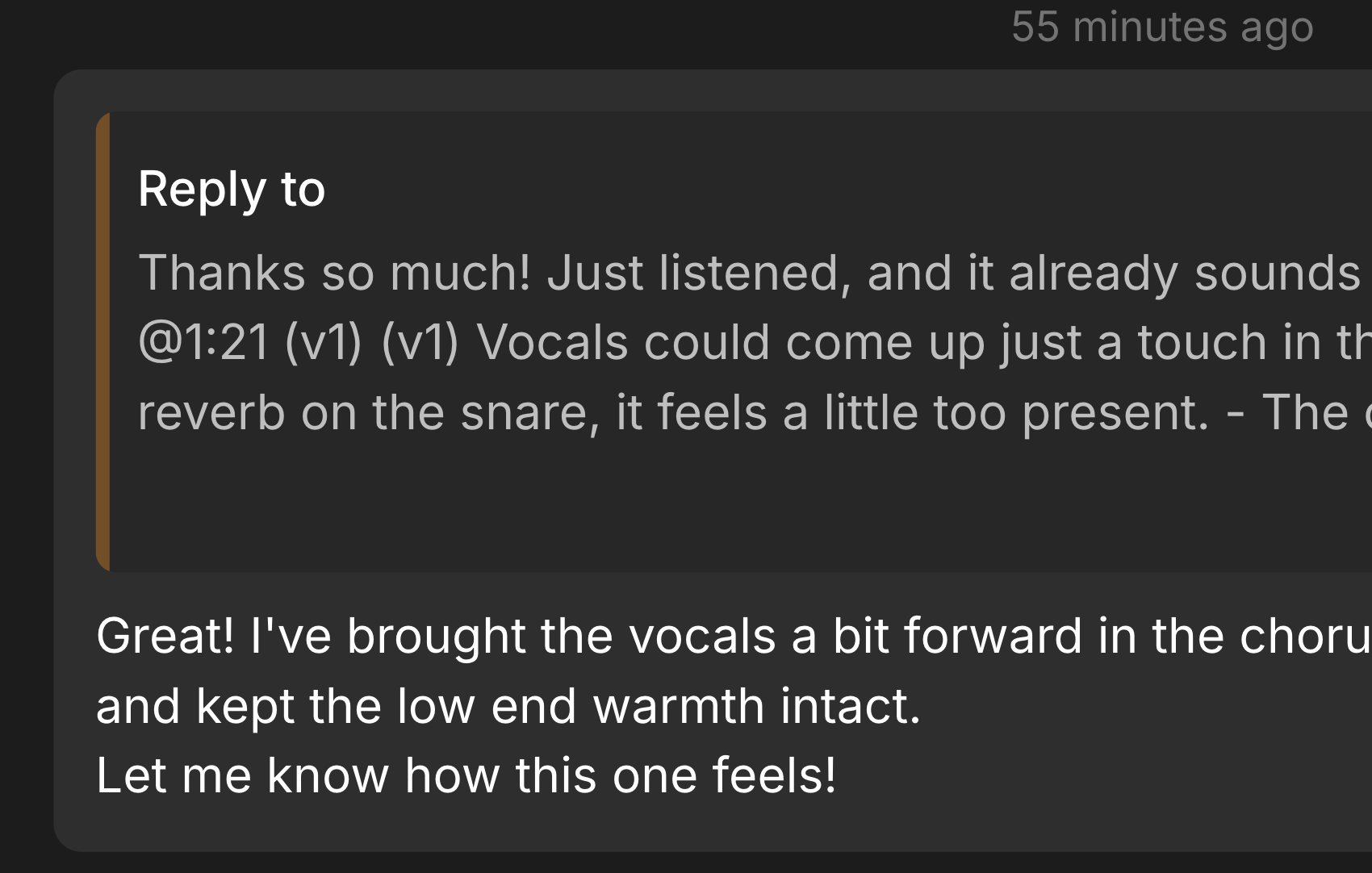
Threaded Replies
Keep feedback easy to follow.
Reply directly inside comment threads, keep decisions connected to the right discussion, and avoid losing context across messages.
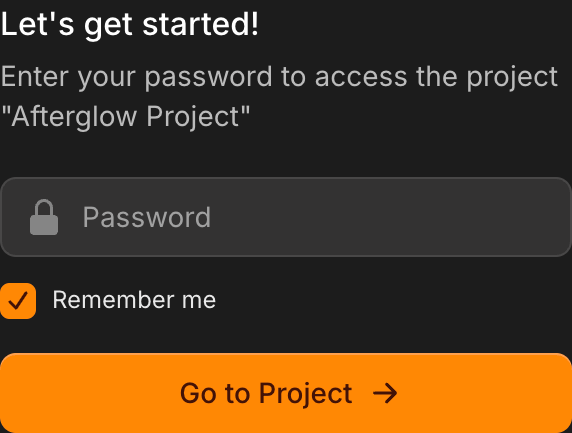
Password Protection
Share privately when it matters.
Protect public pages and file handoffs with passwords, so only the right people can access your work.
Reliable uploads, fast previews, and structured feedback. Studio Cockpit finally solved the messy handoff between producers, mixers, and clients. It’s the rare tool that’s both powerful and invisible.”

Since switching to Studio Cockpit, I’ve been able to cancel all my other subscriptions. It’s the only tool I need to manage music projects with my clients — everything from file sharing to progress tracking is right here in one place."

Pricing
The right plan for your studio.
Save on all plans with annual billing.
Starter
The essential toolkit to start collaborating on audio projects.
-
Branded Links
Share polished project pages with clients and collaborators.
-
10 Projects
Manage up to 10 active projects at the same time.
-
50GB Storage
Includes 50GB for audio previews, uploads, and delivered files.
-
Basic Audio Player
Share audio versions and collect comments directly in the browser.
-
Built-in Project Steps
Use default phases like Mixing, Mastering, and Review to keep work organized.
Plus
More room and workflow control for creators managing regular client projects.
-
Branded Links
Share polished project pages with clients and collaborators.
-
50 Projects
Manage more client work with up to 50 projects.
-
500GB Storage
Includes 500GB for audio previews, uploads, and delivered files.
-
A/B Audio Player
Everything our basic audio player can do, plus the ability to easily A/B compare two audio versions.
-
10 Custom Steps
Create your own workflow steps to match how your studio works.
-
Branded File Delivery
Send files to clients through a clean, branded delivery page.
Pro
Best value
The complete workflow for studios that need more capacity, intake, and control.
-
Branded Links
Share polished project pages with clients and collaborators.
-
Unlimited Projects
Collaborate with your team on unlimited projects at once.
-
1TB Storage
Includes 1TB for audio previews, uploads, and delivered files.
-
A/B Audio Player
Everything our basic audio player can do, plus the ability to easily A/B compare two audio versions.
-
Unlimited Custom Steps
Create as many reusable workflow steps as your studio needs.
-
Branded File Delivery
Send files to clients through a clean, branded delivery page.
-
One-Time Project Steps
Handle unexpected client changes by adding project-specific steps whenever needed.
-
Personal Upload Inbox
Receive client uploads through your own public inbox page.
Frequently asked questions
Can’t find the answer you’re looking for? You can get in touch with customer support